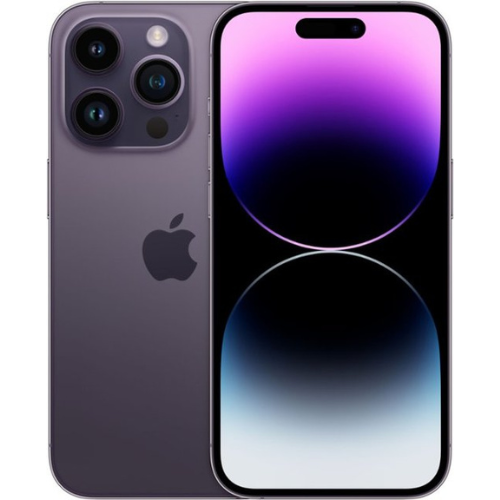
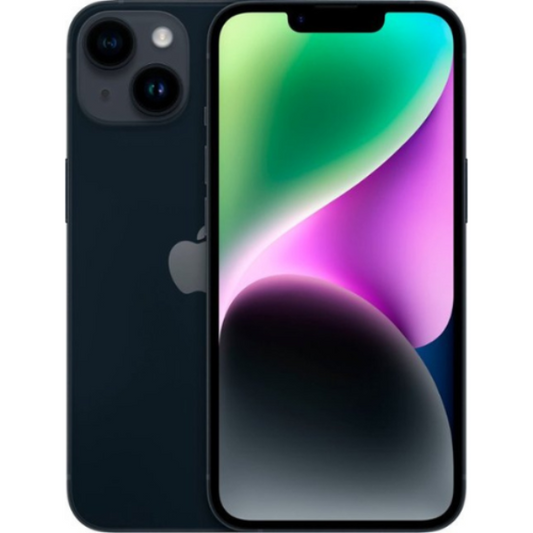
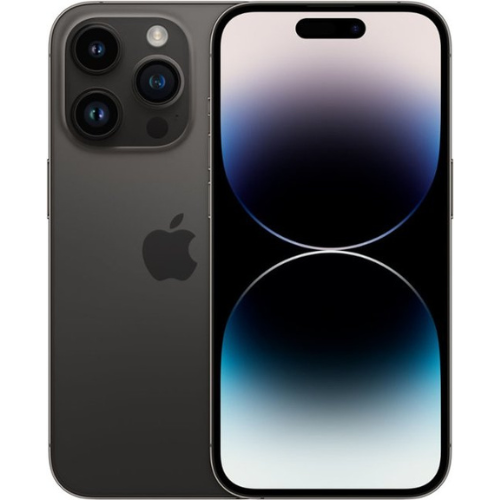
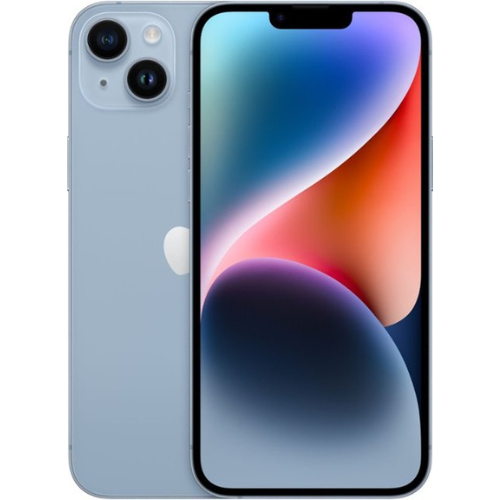
Imagine landing in Paris for a much-needed vacation. You step off the plane, buy a cheap local travel SIM card, pop it into your newly purchased refurbished iPhone 14, and eagerly wait for the bars to appear. Instead, you're greeted with a frustrating message: "Invalid SIM."
You’ve just discovered the invisible wall known as a carrier lock.
When you're navigating the refurbished electronics market, the terms "locked" and "unlocked" are thrown around constantly. But what do they actually mean for your daily life, your wallet, and your overall digital freedom? Whether you're planning an overseas adventure or just trying to lower your monthly mobile bill, understanding the nuances between a carrier-locked and an unlocked iPhone 14 is the crucial first step in making an empowered buying decision.
The Foundation: What Do "Locked" and "Unlocked" Actually Mean?
A common misconception is that a locked phone is somehow hardware-deficient or technologically inferior to an unlocked one. In reality, under the hood, they are exactly the same device.
Think of a carrier lock as a "software filter" installed by a mobile provider (like AT&T, Verizon, or T-Mobile). When a phone is locked, this software filter prevents the device from reading network signals from any competing provider.
An unlocked iPhone, on the other hand, has had this software filter removed—or it was never there to begin with. It is essentially a free agent, ready to connect with almost any compatible network worldwide.
How to Check Your iPhone’s Lock Status
If you already have an iPhone and want to check its status, Apple makes it incredibly simple:
- Go to Settings.
- Tap General, then About.
- Scroll down to Carrier Lock.
If it says "No SIM restrictions," your phone is unlocked. If it lists a specific carrier, it’s locked to that provider.
Building the Picture: Pros, Cons, and Cost Trade-Offs
When searching for the perfect Plug Certified device, you'll quickly notice a difference in price and availability between locked and unlocked models. Here is how the trade-offs break down:
The Case for Carrier-Locked
- Lower Upfront Cost: Because they are tied to a specific network, carrier-locked refurbished phones often come with a slightly lower price tag.
- Perfect for the Loyal Customer: If you have been with the same network provider for years, love their service, and have no intention of leaving, buying a phone locked to your current carrier is a smart way to save money.
The Case for Unlocked
- Total Freedom: If your current carrier raises their rates, an unlocked phone lets you switch to a cheaper competitor in minutes.
- Travel-Friendly: Unlocked devices allow you to bypass expensive international roaming charges by using local network providers when traveling abroad.
- Higher Resale Value: When making a refurbished certified pre-owned phones value comparison, unlocked iPhones consistently hold their resale value better because they appeal to a broader market of potential future buyers.
Mastery: Advanced Considerations for the Modern User
International Travel and the Magic of eSIM
The iPhone 14 completely revolutionized how we connect by fully embracing eSIM technology. An eSIM is a digital SIM that allows you to activate a cellular plan without having to use a physical nano-SIM.
However, there is a catch: an eSIM will only accept secondary profiles (like a temporary travel plan from an app such as Airalo) if the device is completely unlocked. Whether you prefer an iPhone physical sim or the convenience of a digital eSIM profile, having an unlocked phone ensures seamless connectivity across borders without relying on expensive carrier roaming passes.
The Unlocking Process: Can You Unlock a Locked Phone?
If you purchase a locked phone, unlocking it is possible, but it requires meeting the specific carrier's criteria. Typically, this means the phone must be fully paid off and not tied to any active installment plans or flagged for fraud.
While the exact steps differ by provider, the official route usually involves submitting an online request through your carrier's portal. Avoid unofficial, third-party unlocking services you might find on forums; these are often temporary, risky, and can void protections like Plug's 12-Month Warranty.
The Action Plan: How to Choose What's Right for You
To make your decision perfectly clear, use this quick buyer's checklist:
- Assess Your Network Loyalty: Are you perfectly happy with your current provider? If yes, a carrier-locked phone can save you cash.
- Consider Your Travel Habits: Do you leave the country more than once a year? An unlocked phone will pay for itself in saved roaming fees.
- Plan Your Setup: Knowing how to set up a refurbished iPhone properly is crucial. Unlocked phones offer the easiest setup process since you can simply transfer your current SIM or eSIM directly.
- Demand Quality: Whichever route you choose, always opt for a reputable source. A device certified by Plug ensures it has passed rigorous functional and cosmetic testing, removing the anxiety of buying pre-owned.
Frequently Asked Questions (FAQ)
What exactly does Plug Certified mean?When a device is Plug Certified, it means it has undergone a rigorous, comprehensive testing process to ensure it meets strict functionality and appearance standards. It bridges the gap between new and pre-owned, backed by Plug's 12-Month Warranty.
Can unlocked phones be used with any carrier?Generally, yes! An unlocked iPhone 14 is compatible with virtually all major global networks. However, you still need to ensure that the carrier you choose operates on the standard cellular bands supported by the iPhone 14.
Is unlocking an older model different from unlocking an iPhone 14?The underlying software logic is the same. For example, if you are looking up how to unlock iPhone XS Max, the process of requesting an unlock from your carrier once the contract is fulfilled remains virtually identical to doing so for an iPhone 14.
Will unlocking my iPhone delete my data?No. Removing a carrier lock is purely a background software update. It does not erase your photos, contacts, or apps.
Ready to Find Your Perfect Match?
Choosing between a locked and an unlocked refurbished iPhone 14 ultimately comes down to balancing your budget against your need for flexibility. By understanding the invisible "software filter" of carrier locks, you're now equipped to make a choice that aligns perfectly with your lifestyle, your carrier preferences, and your travel aspirations.
As you continue your journey to find the ideal device, remember that empowering yourself with knowledge is the best way to guarantee a seamless, frustration-free technology experience.